Connecting Failure Modes to Higher Level Cause Records in DFMEA
When importing DFMEA data, you have several options to Connect records. One option is that Failure Mode records can be connected to higher level Cause records during the import process.
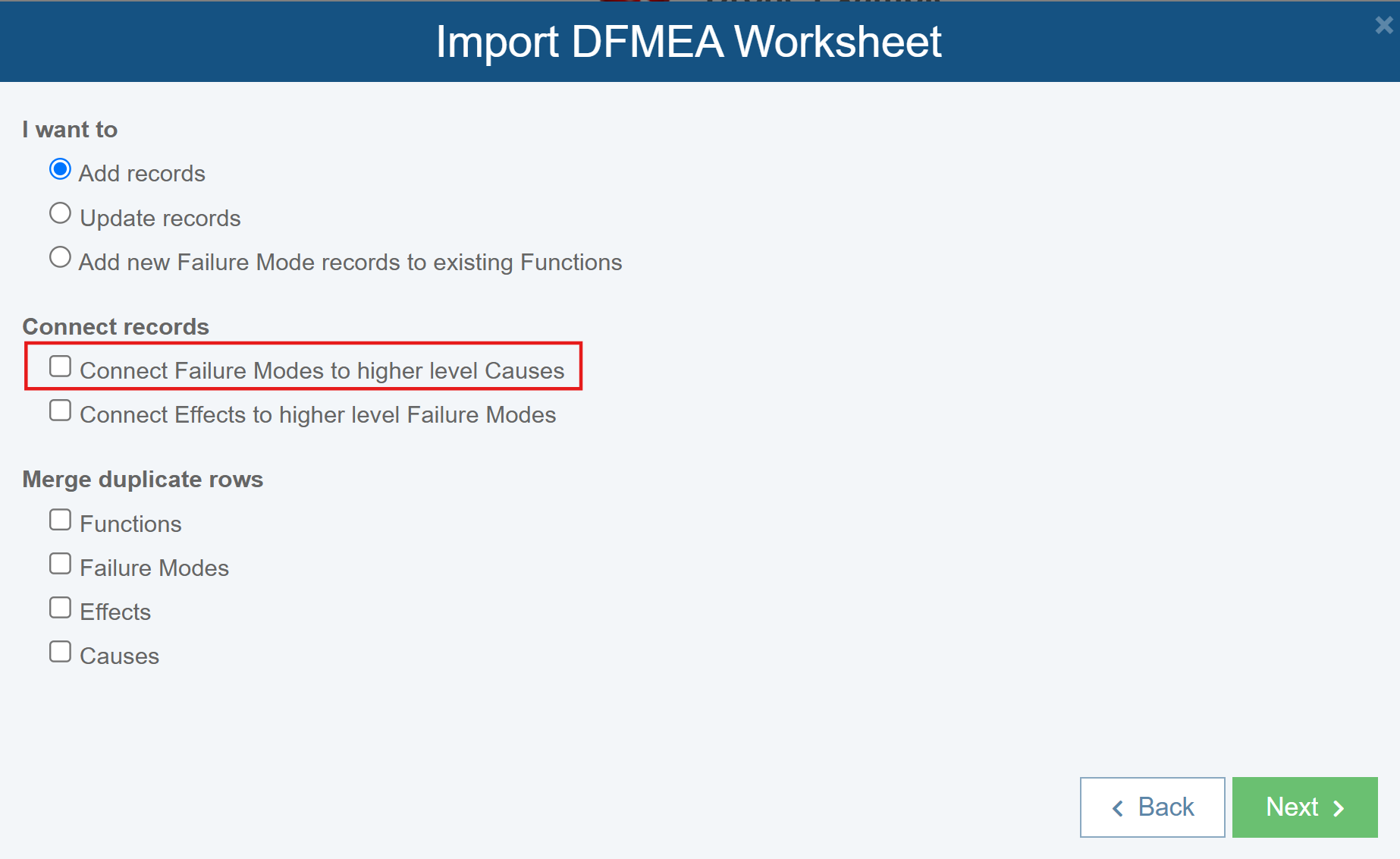
When you choose Connect Failure Modes to higher level Causes, for the proper connections to be made, it is required that you import the Failure Mode field.
During the import process, the text from the Failure Mode field is compared to the text from the Cause field for any Failure Mode records for the next higher Analysis Tree item.
When there is a successful match, the imported Failure Mode record is connected to the higher level Cause record.
Note that this creates the same connection between Failure Mode and Cause records as if created using Relyence SmartSuggest during manual data entry. For more details about SmartSuggest, see Using FMEA SmartSuggest.