Relyence User Guide
Relyence Answer Assistant
Relyence Answer Assistant
Using the Relyence Answer Assistant, you can ask a question and have it search the Relyence Help and other Relyence resources and return a detailed summary.
Note: If you have an on-premise installation, this option requires an active maintenance plan and the ability for your Relyence server to communicate with the Relyence application server.
You can access the Relyence Answer Assistant from the Help menu.
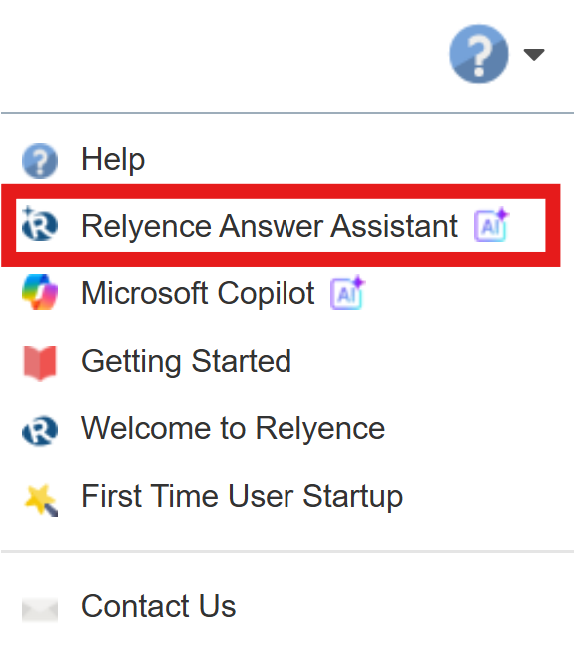
The Relyence Answer Assistant dialog appears.
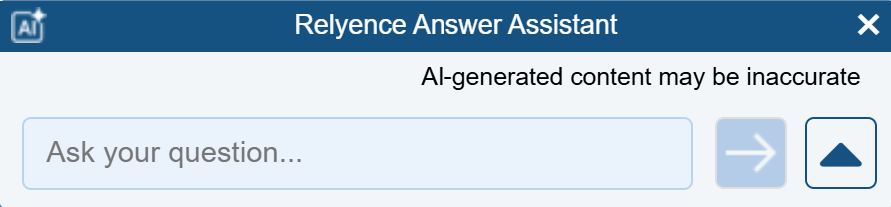
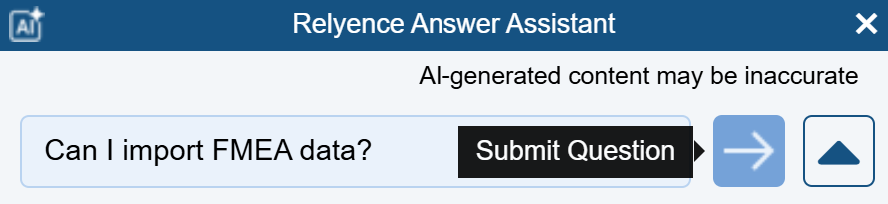
Enter your question. Press Enter or click the Submit button.
Review the answer and click on any links, if needed.
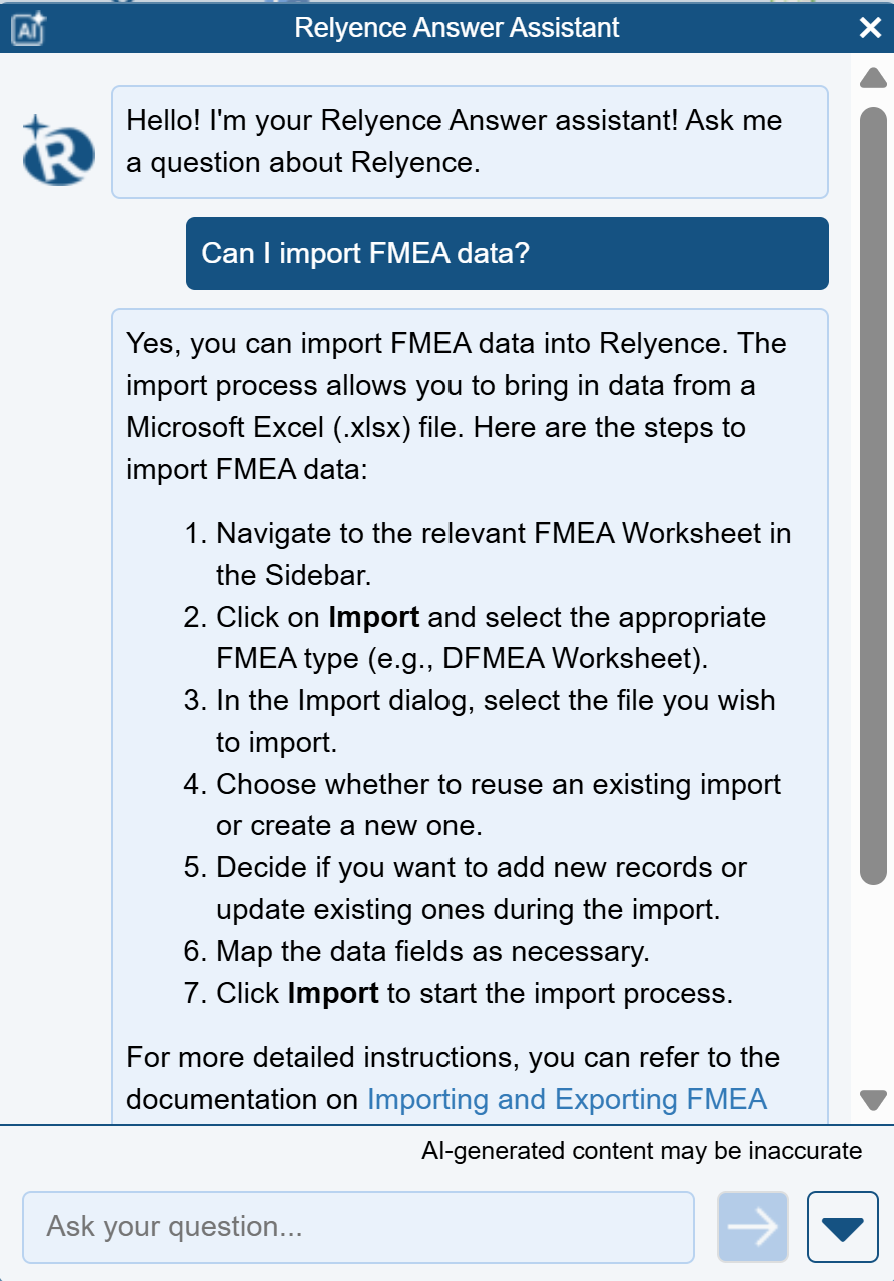
Use the X in the top right corner to close the Relyence Answer Assistant or the down-facing arrow in the bottom left corner to collapse the panel.