Using Microsoft Copilot in Relyence
Microsoft Copilot is an AI chatbot and from the Relyence Help menu, you can access a chat client. Note that this does require you to have a license for Microsoft Copilot.
You can find details for setting up to use Microsoft Copilot within Relyence here - Setting Up to Use Microsoft Copilot in Relyence.
When using Microsoft Copilot within Relyence, you can ask questions and have it do a search to find relevant answers to your questions.
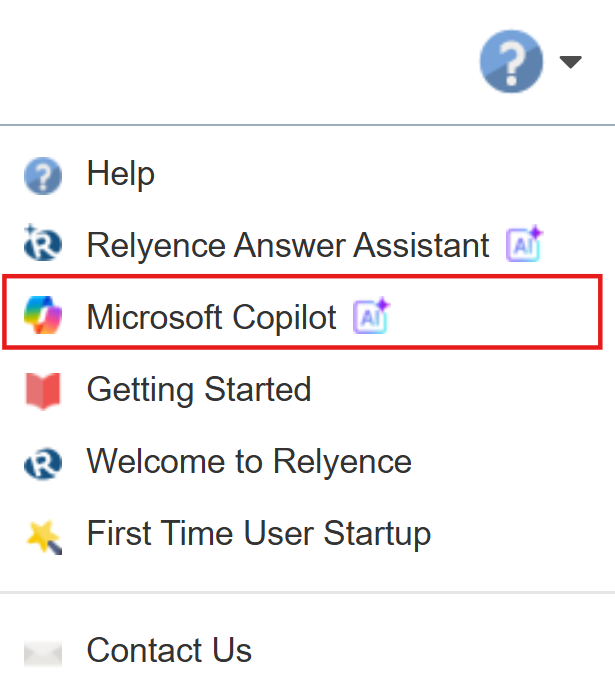
You can access Microsoft Copilot from the Help menu.
The Microsoft Copilot dialog appears.
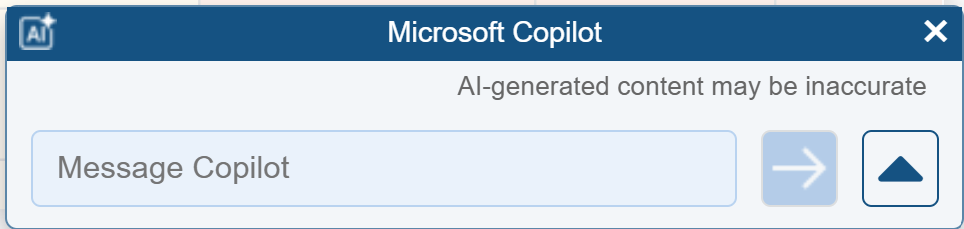
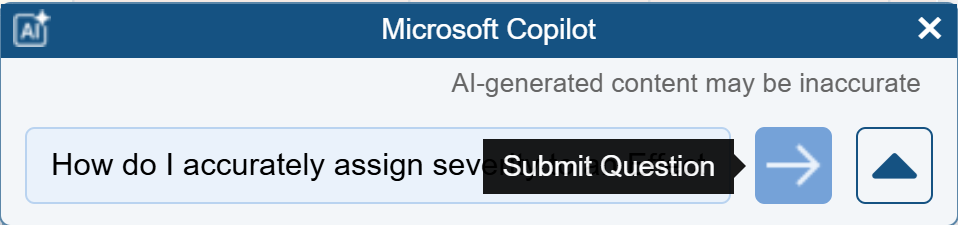
Enter your question. Press Enter or click the Submit button.
Microsoft Copilot completes the search and returns the AI-generated answer.
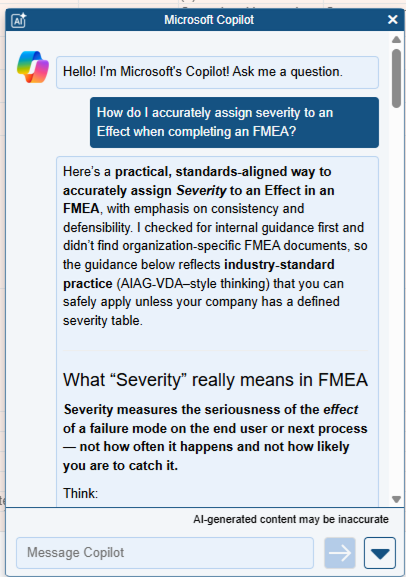
Review the answer and click on any links, if needed.
Use the X in the top right corner to close the Relyence Microsoft Copilot dialog or the down-facing arrow in the bottom left corner to collapse the panel.