

Eleven Advantages of Moving to the Cloud
Historically, reliability analysis software tools – along with many other software analytical tools – have been computer packages installed either on your own physical computer or on your organization’s computers. This means either you or your IT department had to wait for a disc to be delivered or download a (usually large) file and install it on a machine at your location. Then, typically, you needed to configure it and make sure it was set up properly. In addition, each time a new version was released, the process had to be repeated.
Cloud-based systems, however, don’t require this physical presence at your location. For example, think about all the apps you use frequently on your phone. Simple things (like your preferred social media platforms) to more complex things (like your banking app) are all using cloud-based systems. The software is running somewhere on the internet and you are accessing it either through a browser on your computer or on an app on your mobile device.
Cloud-based systems are becoming more and more the norm. In many cases, you may not even realize you are using cloud-based software, but you are!
So why are many reliability platforms still not using the cloud? First and foremost, because many of the available tools were developed years ago, before there even was “the cloud”. And moving an older system, especially one based on old technologies, is not easy. It is also costly. Therefore, many vendors simply opt to stay with their “on-premise” solutions.
Why should you consider a cloud solution for your reliability analysis tools? There are many, many benefits. We’ll look at the top eleven (we couldn’t even stop at 10!) most beneficial reasons it’s time to turn to a cloud-based solution for your reliability needs.
Advantage #1: Anytime, Anywhere Access
Do you have an internet connection? That is all you need to do your work. And, as we all recognize, the work-from-home world has arrived and is here to stay. With cloud-based software, all anyone on your team needs is an internet connection to access the tools they need to perform their work.
Telecommuting is a benefit to many employees., but you can only offer it if your team can truly work as well at home as they can in the office. Therefore, along with investing in a teleconferencing platform, you need to make sure your analytical tools work over the internet too!
Of course, this also applies to any kind of remote work. Traveling to anywhere in the world? You can still work! (We’re not advocating working during vacation travel, but you get the idea.)
Advantage #2: Device Independence
Cloud-based tools provide a browser-based interface – i.e. you only need a browser to access the application. Where can you find a browser? On any of your devices – PC, Mac, laptop, tablet, or smartphone. This means you can work on any device. You are not limited by operating system or hardware manufacturer.
Have a browser you prefer? Cloud-based solutions operate on any browser you want. Therefore, you can use IE or Edge on your PC, and Safari on your iPhone and work in either environment!
Advantage #3: Ease of Collaboration
Today’s ever-increasingly collaborative and virtual workforce demands tools that not only meet their analysis needs, but also support this fast-paced environment. Cloud-based tools enable team members to easily share data and work together. If one team member makes a change, another team member sees that immediately. No need to “sync” data or worry about separate copies of data floating around on various computers.
Having data centralized and having all team members working in the same environment not only makes for a team-centric workforce, but also means your team works at peak efficiency.

Advantage #4: Automatic Software Updates
Guess who has to take care of updating your software systems with cloud-based solutions? Not you! With cloud-based software, the vendor is responsible for making updates to their software tools, as well as any other tools needed for operation.
No more getting that “software update” notification and worrying about when to schedule it, or even whether to schedule it. It works like your banking app – someday when you are sleeping, the software is automatically updated for you.
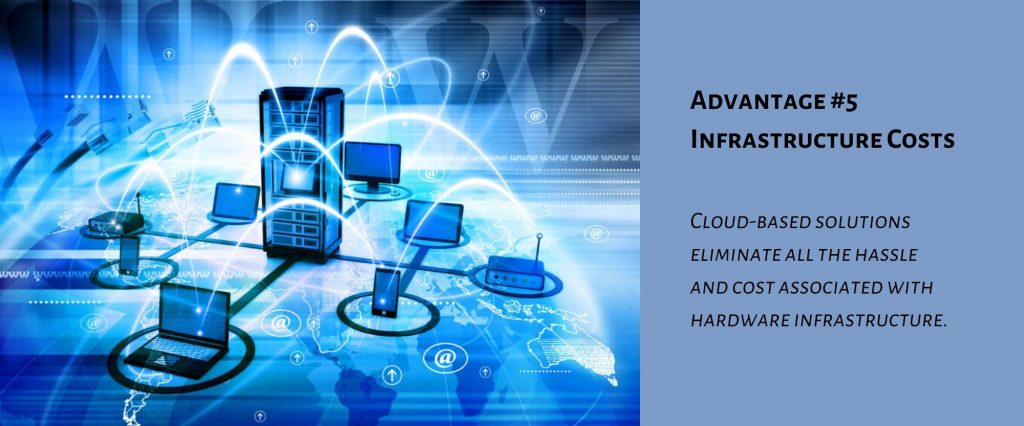
Advantage #5: Infrastructure Costs
A big disadvantage of on-premise software is the cost of the hardware needed for operation. On-premise analytical software may require high-powered servers to operate, especially if complex calculations are done. If not installed in a network configuration on a server, but instead on each individual computer, then the costs may be even higher if every user needs a highly capable machine.
Also, who orders the computers you need and makes sure they are properly configured? Who do you deal with when a computer needs to be serviced?
Cloud-based solutions eliminate all the hassle and cost associated with hardware infrastructure.
Advantage #6: No IT Requirements
If you are using on-premise software installed on hardware at your location, you likely have an IT department. What if your IT department’s work could be focused on the central needs of your business operations instead of maintaining a multitude of individually installed applications? Minimizing the need for them to buy systems for specific applications, and installing, configuring, and updating various software packages lowers the burden on your IT department. Cloud-based software is IT-friendly and minimizes overblown IT budgets.
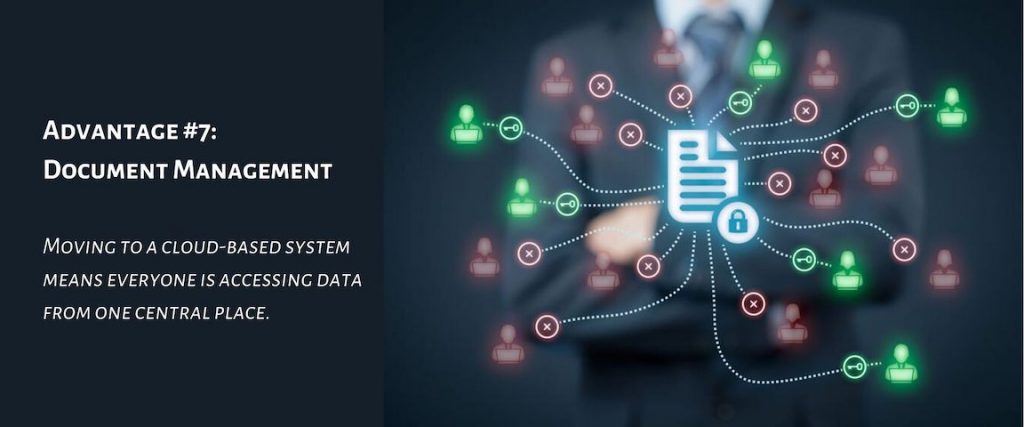
Advantage #7: Document Management
If you’ve been working long enough, or with systems that are old enough, you will understand the “I’ll email you an updated file” way of working. Not fun. Definitely not the most efficient way to collaborate. In the end, users end up with multiple versions, and the need to merge changes. It’s overall frustration and a waste of time.
Moving to a cloud-based system means everyone is accessing data from one central place. You’re looking at the same data that your coworker across the sea in a different time zone is looking at. It’s automatic document management.
Advantage #8: Scalability
An often-overlooked advantage of cloud-based offerings is their easy ability to scale as needed. In the on-premise world, more users increases costs across the board – more hardware, more IT support, etc. And it takes time.
Cloud-based software is easily scaled up (and even down) as needed. In some cases, it can happen within minutes.
Advantage #9: Security
This is typically the first thing people think when a cloud-based solution is proposed – it isn’t secure! The question to consider though is this – how does it compare to your current setup? Oftentimes, the cloud solution offers more security!
One thing to consider is where your data is. If your data resides on a computer or multiple computers, you need to make sure each of those systems is secure. How are you doing this? Are you ensuring every one of those systems is hack-proof and virus free? Managing vulnerabilities across many computers is a daunting task. Ask the same questions even if your data is stored on a server.
Think about all the things you are doing on the cloud now. Are you doing financial transactions on your computer or phone? You can be sure that those financial cloud-based providers are making sure your data is protected – it’s absolutely critical to their business.
Cloud providers go to extraordinary lengths to make their systems secure. Microsoft and Amazon, two of the biggest and most widely adopted cloud providers, are constantly updating their services and are intensely focused on security. Once again, it’s vital to their business. Most businesses, especially smaller ones, are not going to be able to protect their data to the level a Microsoft or Amazon can.
Of course, certain industries require non-cloud versions to host their data. But those numbers continue to dwindle each and every year.

Advantage #10: Subscription-based
The world of software was disrupted with the introduction of SaaS (Software as a Service) solutions. It brought not only cloud-based software to the forefront, but also introduced the subscription-based payment model.
Instead of the large cost to purchase a licensed, on-premise version of a software tool, the SaaS model enables organizations to pay a much smaller monthly or annual fee. Want to add more users? This is much easier with the subscription-based model.
Also, there’s no need to think about maintenance plans versus single purchasing software updates – software updates are part of the deal with cloud-hosted software.
Many, many organizations find the subscription-based model offers a huge financial incentive to move to a cloud platform.
Advantage #11: Disaster Recovery
For your on-premise installations, what if the computer with your data goes down? How do you restore that data? The benefit of data in the cloud is that it is always retrievable. Log in with another computer, and you’re back up and running in no time. Plus, you saved yourself a lot of grief because how often do you actually back up your data?
Though we all know we need to be making sure we have a disaster recovery plan, it is often not done thoroughly, or perhaps not even done at all. And when disaster strikes, it really is a disaster. Not only do you need to spend the time to recover, you may experience data loss if you do not have adequate data backup.
With cloud-based applications, your data is always available. And most likely backups are provided as part of the hosting provider. Not only is there less for you to worry about, you are also better protected using a cloud-based system.
Relyence Reliability Studio: The Cloud-based Alternative
Relyence is the newest and most advanced reliability platform available on the market. This means it was built with today’s technologies to meet today’s needs.
As noted, more and more organizations are turning to cloud-based solutions due to all the inherent advantages. Relyence is offered as a cloud-based version and is fully browser-based and mobile-friendly.
If you are not yet ready for a cloud-based reliability platform, Relyence is also available on-premise if desired. Due to the advanced technologies Relyence is built on, our on-premise solution provides superior advantages over on-premise installations offered by older reliability software platforms. The Relyence on-premise version is 100% browser-based, so each individual workstation is free from any installs or set up. All you need is a browser to access the software. Plus, your data is centralized.
Check out our reliability tools today – all available on the cloud. We offer FMEA (Failure Mode & Effects Analysis), FRACAS (Failure Reporting, Analysis, and Corrective Action System), Fault Tree, Reliability Prediction, RBD (Reliability Block Diagram), Maintainability Prediction, Weibull, and ALT (Accelerated Life Testing).
If you would like to talk to us about how to move to the cloud, or about your reliability needs, please feel free to contact us today to delve into the details. Or, schedule an in-person call that fits into your calendar.
Sign up for a free trial today. In fact, our free trial shows off our cloud solution! No download, no install. Open your browser and go!